No stored messages
Messages leave our servers the moment they're delivered. There's no archive for anyone to subpoena, sell or leak.
No phone number, no email, no contact upload. Messages are encrypted on your phone, pass through our servers once, and burn after they're read.
Free for one personPick an alias and a PIN. That is the whole sign-up.
Messages leave our servers the moment they're delivered. There's no archive for anyone to subpoena, sell or leak.
You sign up with an alias like Slow-Comet. Mistmoth never asks who you are.
We keep no log of who talked to whom, or when.
We built Mistmoth for people whose conversations shouldn't outlive the moment. Encryption on the device , aliases instead of identities, and nothing kept on our side mean there's simply nothing left to hand over.

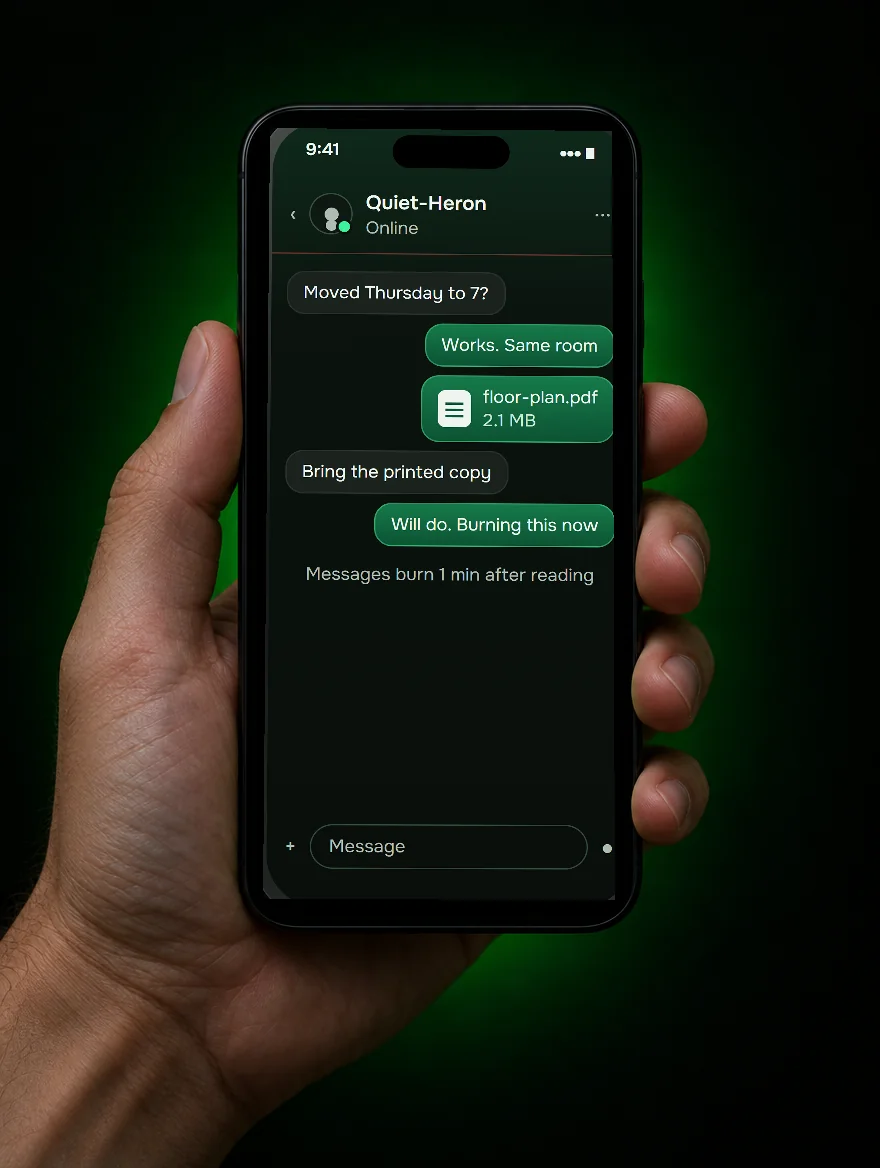
This is Mistmoth itself, running live. Make an alias, choose a PIN, and send a message that burns. To talk to someone, give them your alias, or open Mistmoth on a second phone and add this alias there.
An alias you make here is a real one. Burn it from Settings when you are done, or keep it.
One long press wipes your alias, keys and every chat on the phone.
Press and hold for 1.5 seconds, with the mouse, a finger, or the space bar. Demo only.
Mistmoth is not in an app store. It opens in your phone's browser and adds to your home screen in three taps. After that it opens from its own icon, full screen, like any other app.
If someone asks us for your messages, the honest answer is that we never had them.
Free on any phone, straight from your browser. Teams from $8 a person a month.
